When you power up and select Mash Up you will see the above message from Mash Up. After you click "OK" a YouTube video will play from Mash Up. We would ask you to ignore this video at this stage and do not attempt any Mash Up installation.
Mash Up has decided to start a new project based on an advert delivery system. We are not convinced that our customers want advertisements within their viewing experience. The adverts will require Google Analytics and an open portal to all machines. We do not feel confident at this stage that your safety, privacy and security will be maintained.
You may see a pop-up like this after you try to launch Mash Up, please just click OK and ignore. As always, we will keep you informed. At this stage we do not know if we will be able to continue to recommend Mash Up.
ADDENDUM
If you have not powered the system for some time you may see something like this:
Do not carry out any uninstalls. Let things settle down over the next week and follow our advice.
Showing posts with label Mash Up. Show all posts
Saturday, 28 September 2013
Saturday, 14 September 2013
Watch The Croods in 1080p
Oh Yes, it is now in 1080p - Sooooo funny and awesome family viewing!
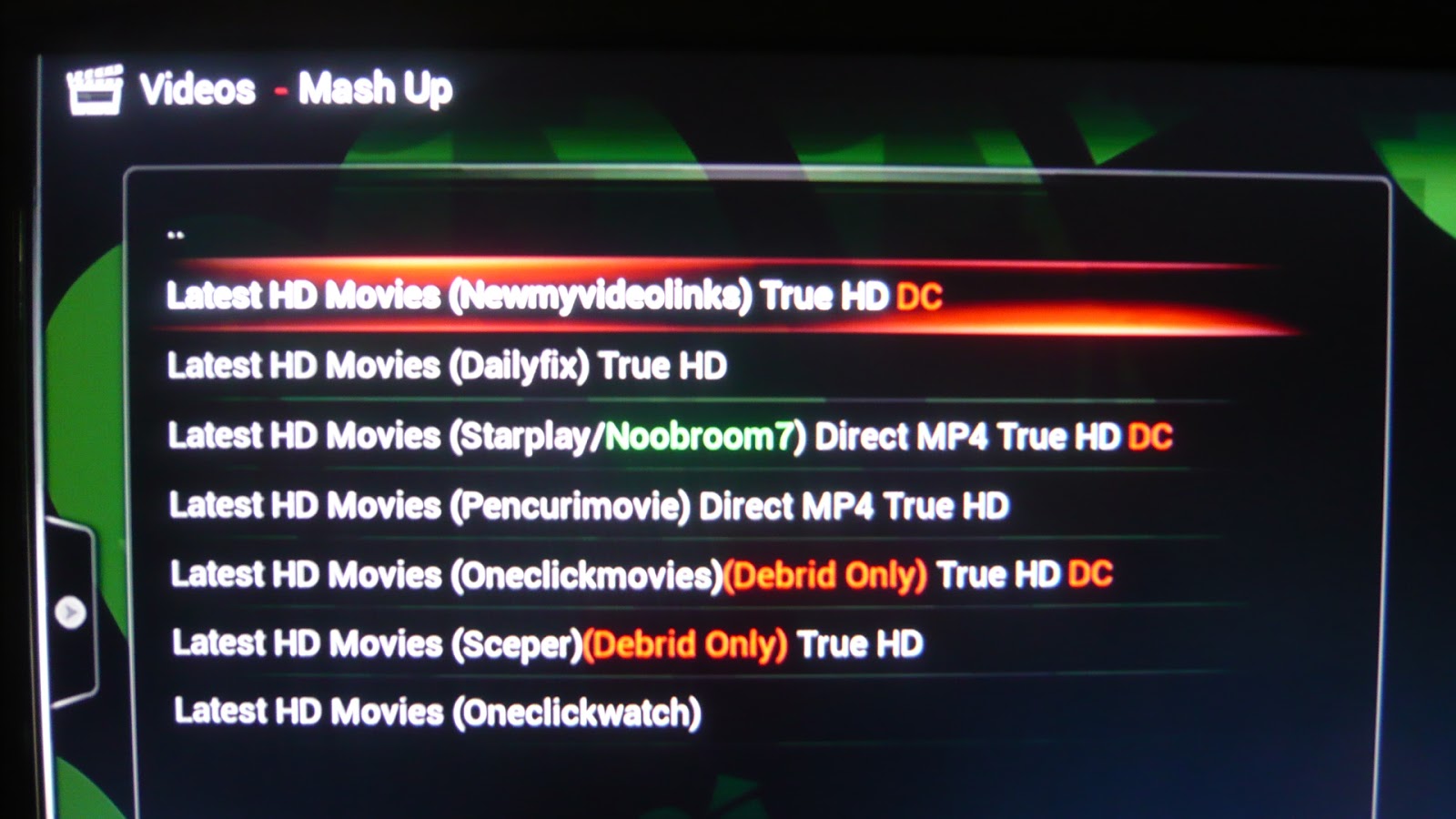
Kick back and watch this on Mash Up - HD Movies
and tune in under "Newmyvideolinks"
Friday, 6 September 2013
New MashSports live sport streams
A new set of sport streams are the new kids on the block. As one set of sport streams are displaced another set of sport streams take up residence. Its a bit like a turf war out there!
Navigate to Mash Up : Live Streams and select MashSports
Live sport streams are highly unreliable and are often low quality video streams.
But perhaps it is better than nothing!
Sunday, 11 August 2013
Updating Mash Up to version 1.3.7
The Mash Up update to v 1.3.7 has to be done manually. If you have any problems then use the comment box below and we will get back to you. This can be a bit tricky!
You may see this
Click OK and select SYSTEM-Settings from the Home screen
Select Add-ons
Select Get Add-ons for our installed software repositories
Highlight (but do not Select, i.e. do not click) All Addons by Mash2K3, this is the software repository for the Mash Up add-on
Select the context menu whilst "All Addons by Mash2K3" is highlighted. To select the context menu press "c" if you are using a wireless or USB keyboard. If you are using an android device with Yatse then select the "square" icon next to your "i" (information) icon (which is next to your power button". Select "Force refresh" on the context menu.
Use the back button to move back up the menu and select Enabled Add-ons
select Video Add-ons
You may see the Mash Up downloading depending on how quick the download happens. Sometimes you may see "update", just wait for the automatic download.
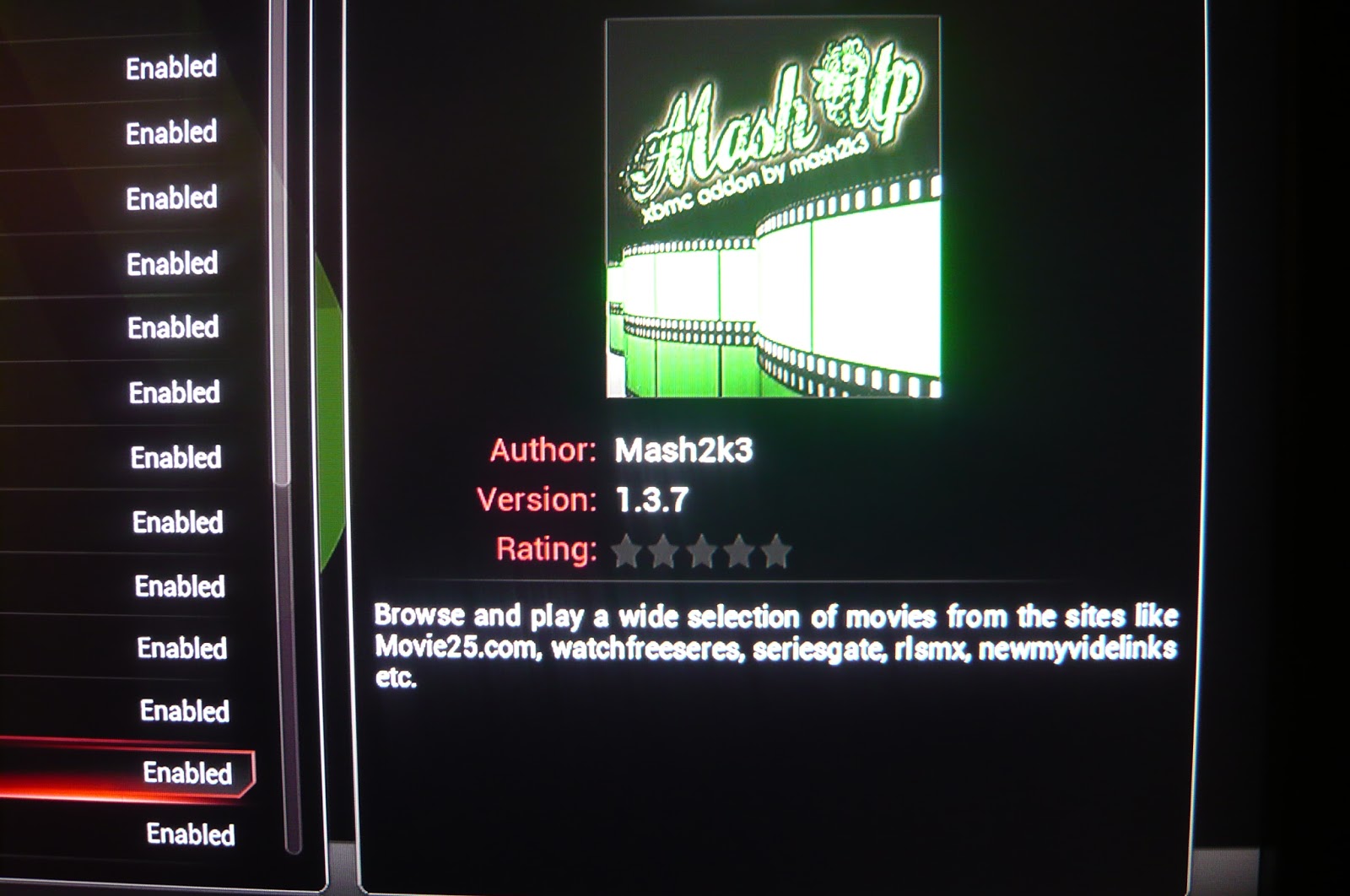
When the download has completed you will see the new version 1.3.7 displayed when you highlight "Mash Up"
Reboot
After reboot you may see some other notifications to do with other things. Just click "OK" to the notifications. Select Mash Up from the Home screen. You will see a screen like this, click "OK".
Once you have selected Mash Up from the Home screen you will be presented with a list view screen by default. You may wish to change this for a thumbnail view.
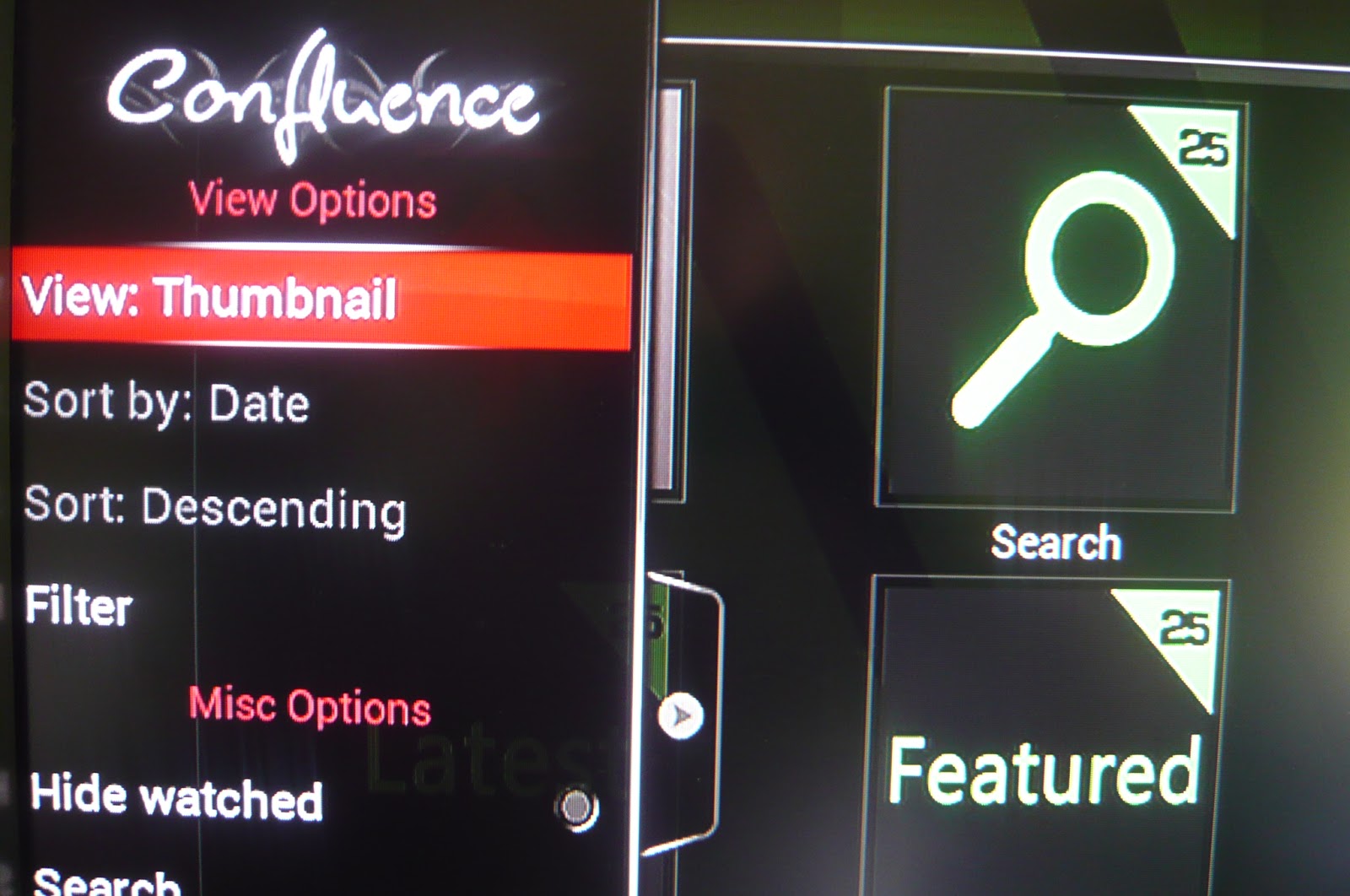
A thumbnail view by activating the hidden left menu and highlighting "View", then select "Thumbnail"
You may see this
Click OK and select SYSTEM-Settings from the Home screen
Select Add-ons
Select Get Add-ons for our installed software repositories
Highlight (but do not Select, i.e. do not click) All Addons by Mash2K3, this is the software repository for the Mash Up add-on
Select the context menu whilst "All Addons by Mash2K3" is highlighted. To select the context menu press "c" if you are using a wireless or USB keyboard. If you are using an android device with Yatse then select the "square" icon next to your "i" (information) icon (which is next to your power button". Select "Force refresh" on the context menu.
Use the back button to move back up the menu and select Enabled Add-ons
select Video Add-ons
You may see the Mash Up downloading depending on how quick the download happens. Sometimes you may see "update", just wait for the automatic download.
When the download has completed you will see the new version 1.3.7 displayed when you highlight "Mash Up"
Reboot
After reboot you may see some other notifications to do with other things. Just click "OK" to the notifications. Select Mash Up from the Home screen. You will see a screen like this, click "OK".
Once you have selected Mash Up from the Home screen you will be presented with a list view screen by default. You may wish to change this for a thumbnail view.
A thumbnail view by activating the hidden left menu and highlighting "View", then select "Thumbnail"
Saturday, 10 August 2013
Mash Up Force Refresh
Sometimes we may need to Force Refresh OpenView to get our latest software updates. Select SYSTEM Settings
Select Add-ons
Select Get Add-ons
Select All Addons by Mash2K3
Select the "context" menu; "c" on a locally connected keyboard or square icon next to to "i" icon on Yatse. Then select "Force Refresh"
This will update your Mash2K3 software repository (MashUp).
Select Add-ons
Select Get Add-ons
Select All Addons by Mash2K3
Select the "context" menu; "c" on a locally connected keyboard or square icon next to to "i" icon on Yatse. Then select "Force Refresh"
This will update your Mash2K3 software repository (MashUp).
Tuesday, 23 July 2013
The New Pirate Bay added
The New Pirate Bay has just been added under VIPlayist on Mash Up.
The 1080p section has 44 movies
All the latest titles
There is an excellent KidZone, 166 itmes; the metadata takes a little time to load the first time round.
This should keep the young ones entertained during the summer!
The 1080p section has 44 movies
All the latest titles
There is an excellent KidZone, 166 itmes; the metadata takes a little time to load the first time round.
This should keep the young ones entertained during the summer!
Wednesday, 17 July 2013
A great stash of HD content that is always fresh
You can follow HackerMils on Twitter @HACKERMILL; a very very busy bee. This stash is updated on a daily basis, a real hidden treasure to feast on!
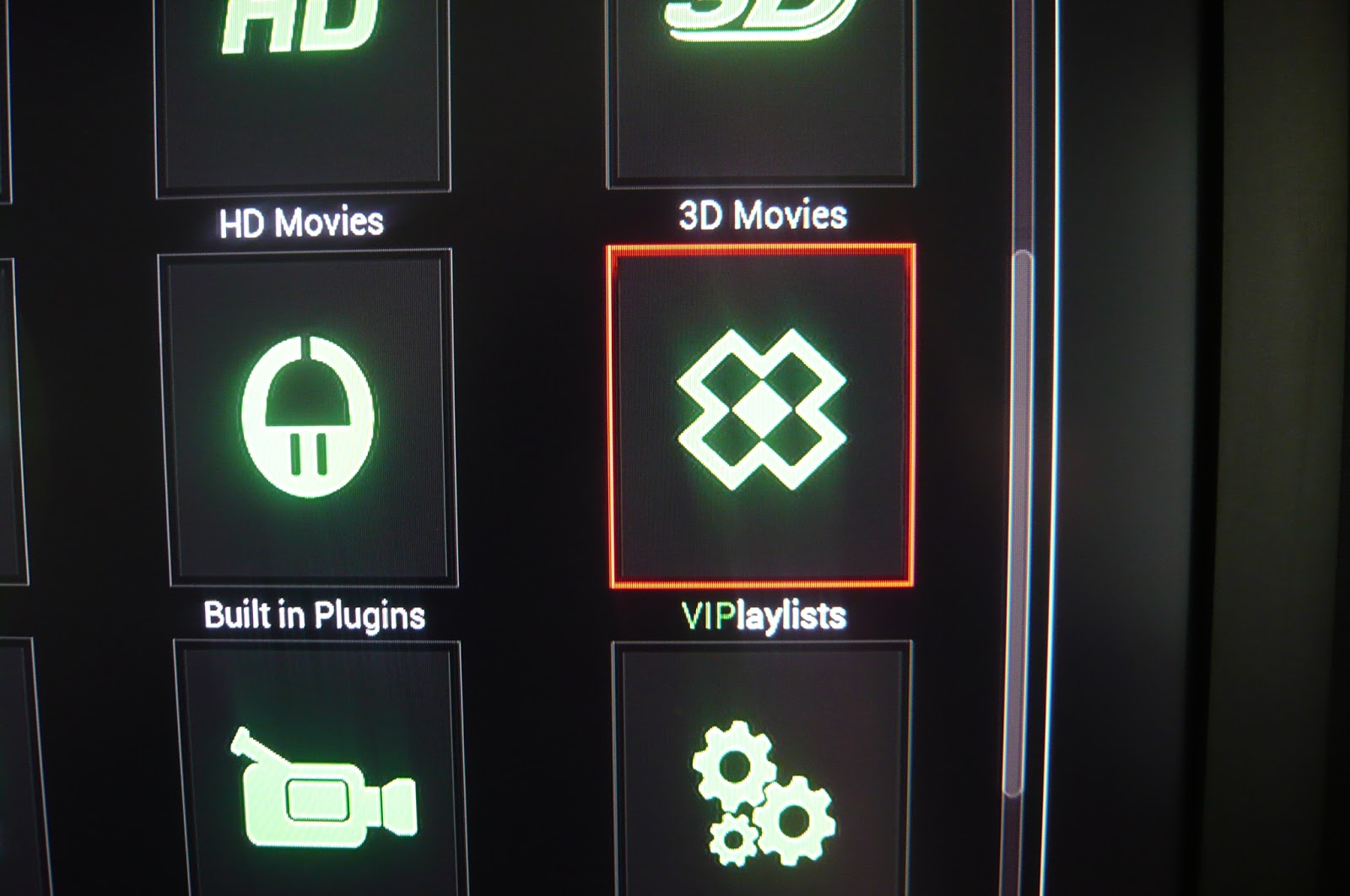
In Mash Up select VIPlaylists
Select HackerMils Stash
Select 1080p
Very nice current and hip selection
Also, you may like to look at the VIP Club. Good movies move from the VIP Club to the main movies after a week.
Sunday, 14 July 2013
New Mash Up HD Content
This is for existing users of OpenView only. All future OpenView products will have these MetaData files already installed and built.
Your Mash Up will automatically update to version 1.3.35 and once updated you will get this message when you select Mash Up.
You will be provided by default with a list view
you can change this by selecting the left tab
and changing the setting to Thumbnail
then select HD icon
read the message displayed
Please note that no movies are downloaded, only the MetaData is being downloaded. The new look and feel makes things much easier.
Use the "i" on your remote controller to get movie information.
Be warned it can take a very long time to download and build the MetaData files BUT once you have done it once things will be much faster.
Your Mash Up will automatically update to version 1.3.35 and once updated you will get this message when you select Mash Up.
you can change this by selecting the left tab
and changing the setting to Thumbnail
then select HD icon
read the message displayed
Please note that no movies are downloaded, only the MetaData is being downloaded. The new look and feel makes things much easier.
Use the "i" on your remote controller to get movie information.
Be warned it can take a very long time to download and build the MetaData files BUT once you have done it once things will be much faster.
All new OpenView products will have these MetaData files already installed and built.
Sunday, 7 July 2013
Watch newest episodes from your favourite series
You can watch online all the newest episodes from your favourite
series like Modern Family.
From Mash Up select "Built in Plugins"
Select Watchseries.it
Select episode to watch and then select server
From Mash Up select "Built in Plugins"
Select Watchseries.it
Select "This Weeks" for example
Subscribe to:
Posts (Atom)